Visual schedules for every level of support.
One connected system to plan the day, guide each step, and adjust support.
Download free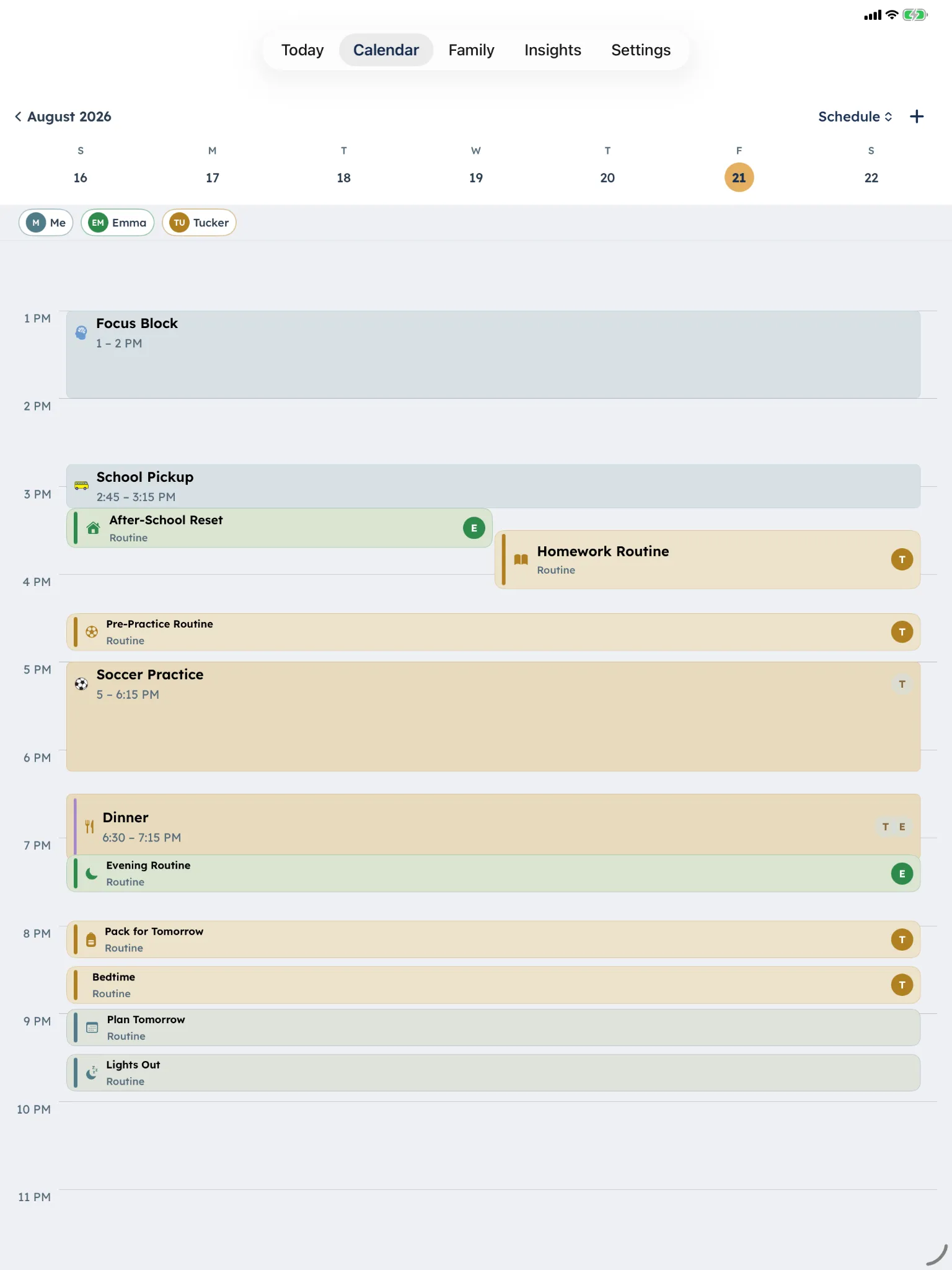
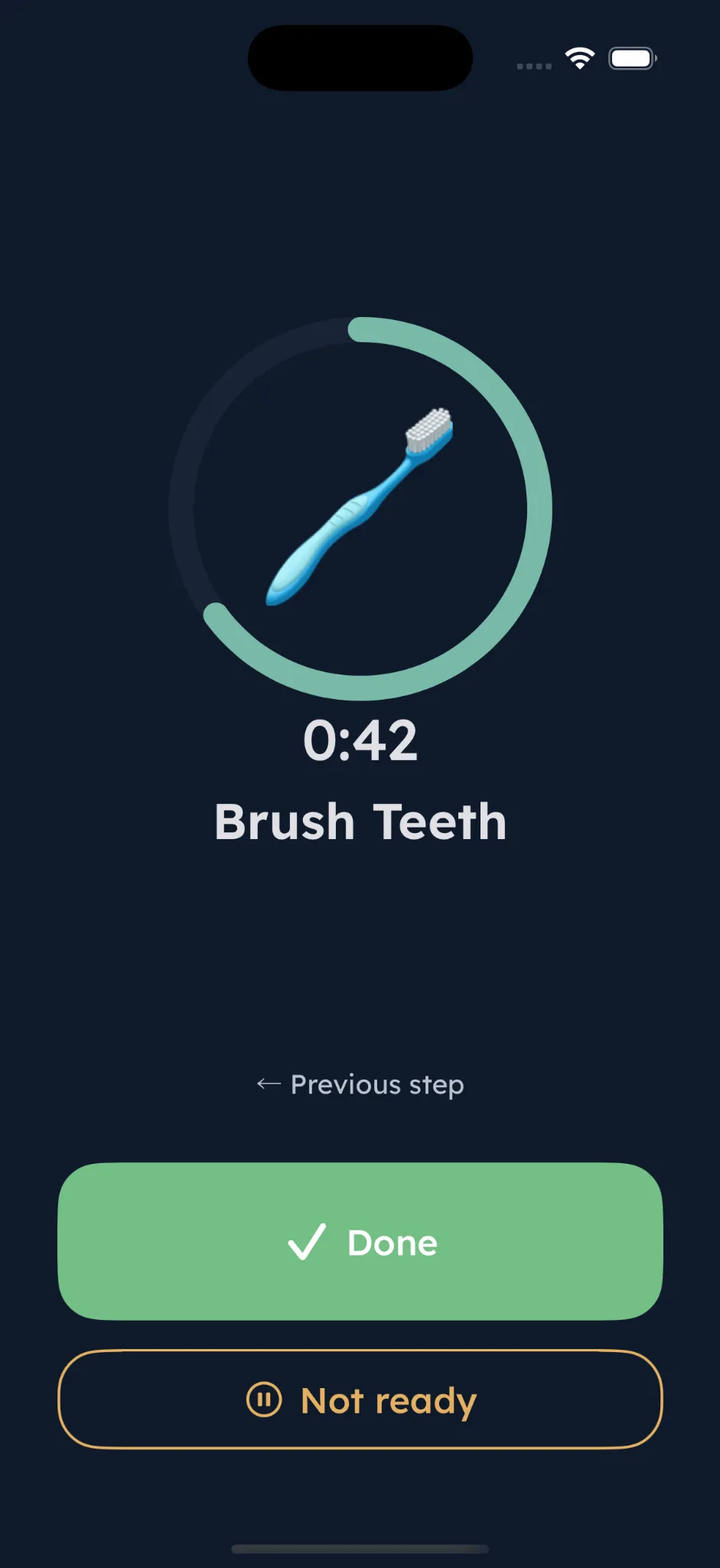
Grounded in published executive function research.
DaySteps brings visual schedules, structured prompting, and adjustable support into real daily life.
Explore our clinical philosophyA compensation and support tool, not a treatment or diagnostic. Design informed by research on executive function, time perception, visual activity scheduling, and systematic instruction.
Support that fades as independence grows.
Choose how much structure each person sees, then adjust one part at a time.
Five adjustable support settings
- Feature Access
-
- My Routines
- Focus
- Mood
- To-Do
- Presentation Level
-
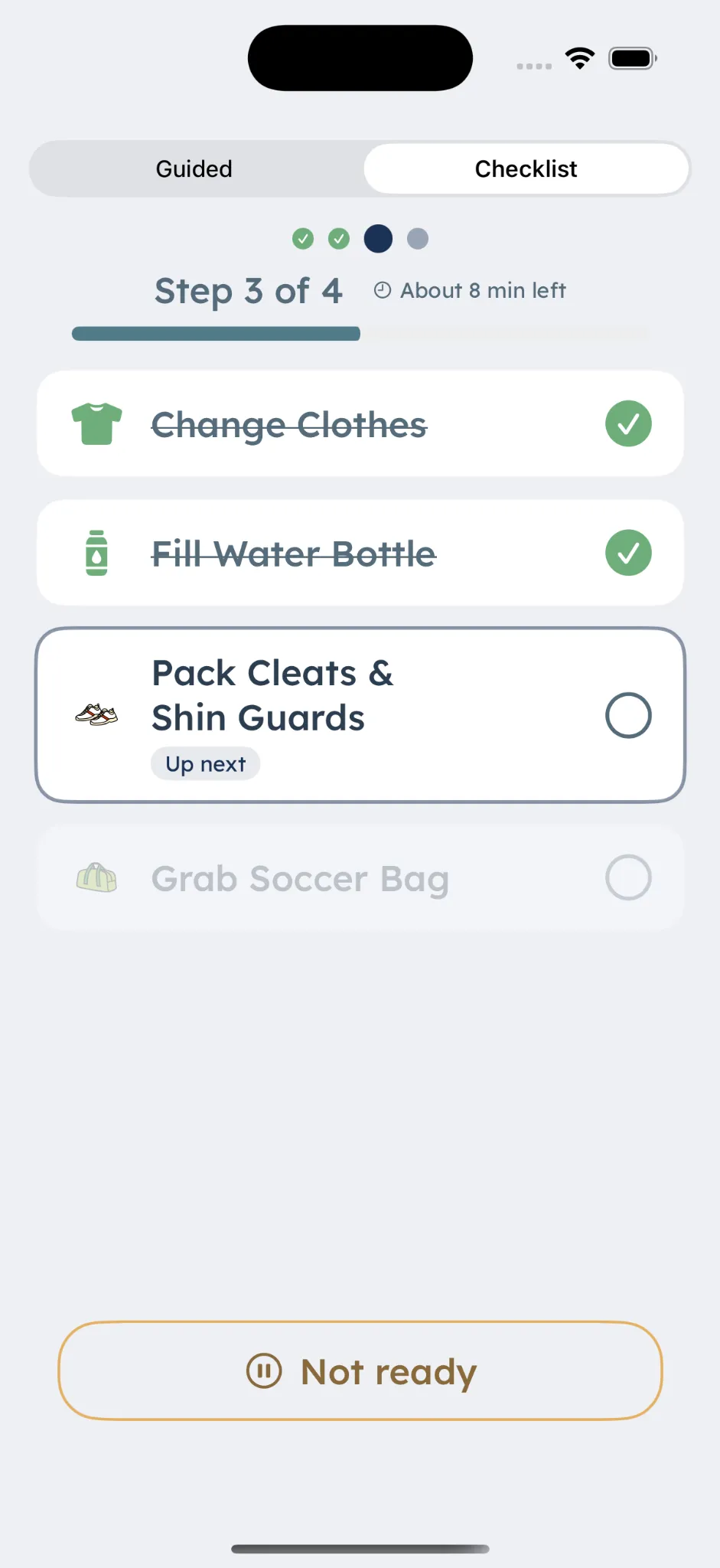
- One Step at a Time
- Preview Next Step
- Choose Guided or Checklist
- Calendar Level
-
- Anchor View
- Full Day
- 3-Day View
- Full
- Insights Level
-
- Hidden
- Daily Insights
- Summaries
- Trends
- Account Control
-
- Receives Support
- Requests Changes
- Co-Manages
Caregivers control each support setting. Nothing advances automatically.
One shared system. Different views for each role.
Each role sees only what it needs. Permissions are set by the parent, and changes pass through them.
- Parent
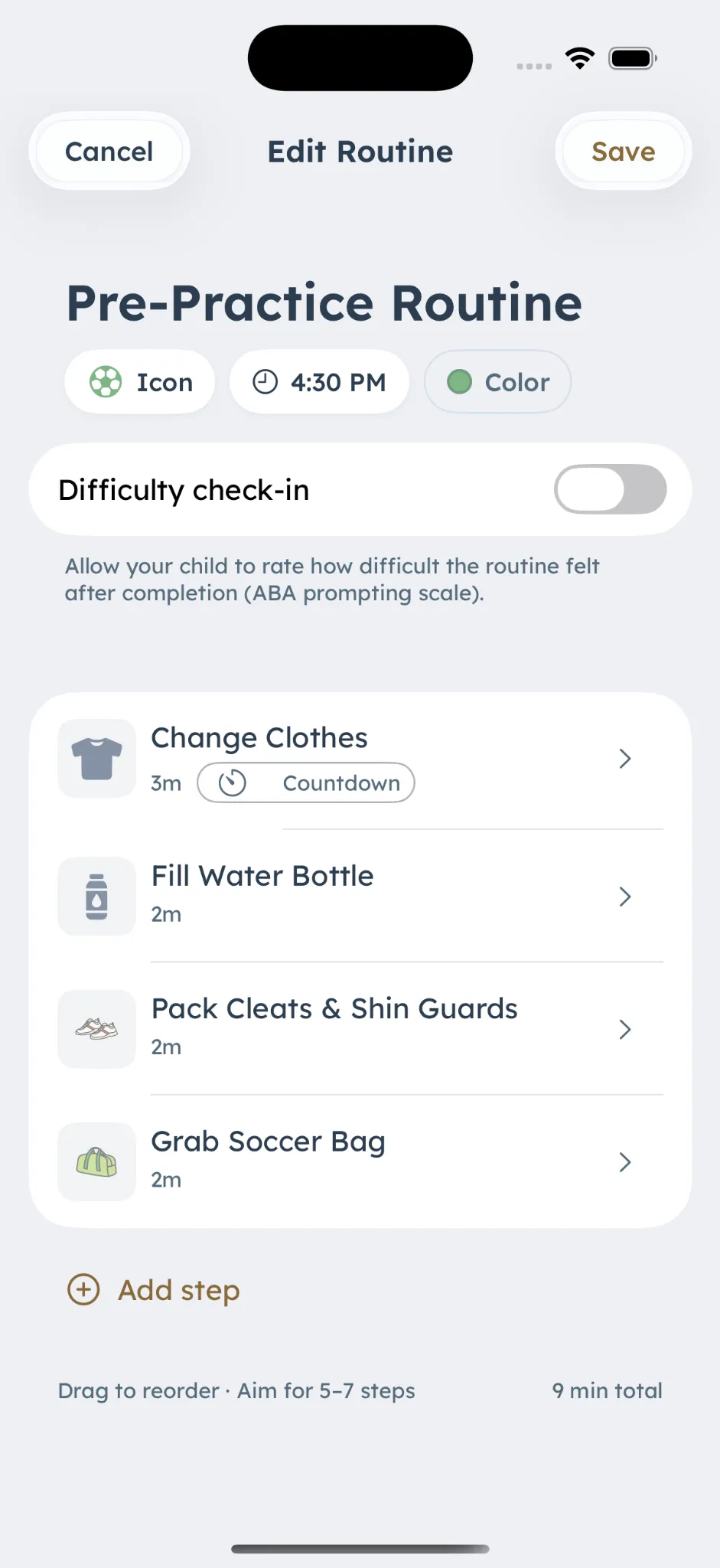
Configures routines and permissions
Builds the day and decides what each person can see.
- Child
Follows the routine at the chosen level
One step at a time, or a checklist when that fits better.
- Clinician
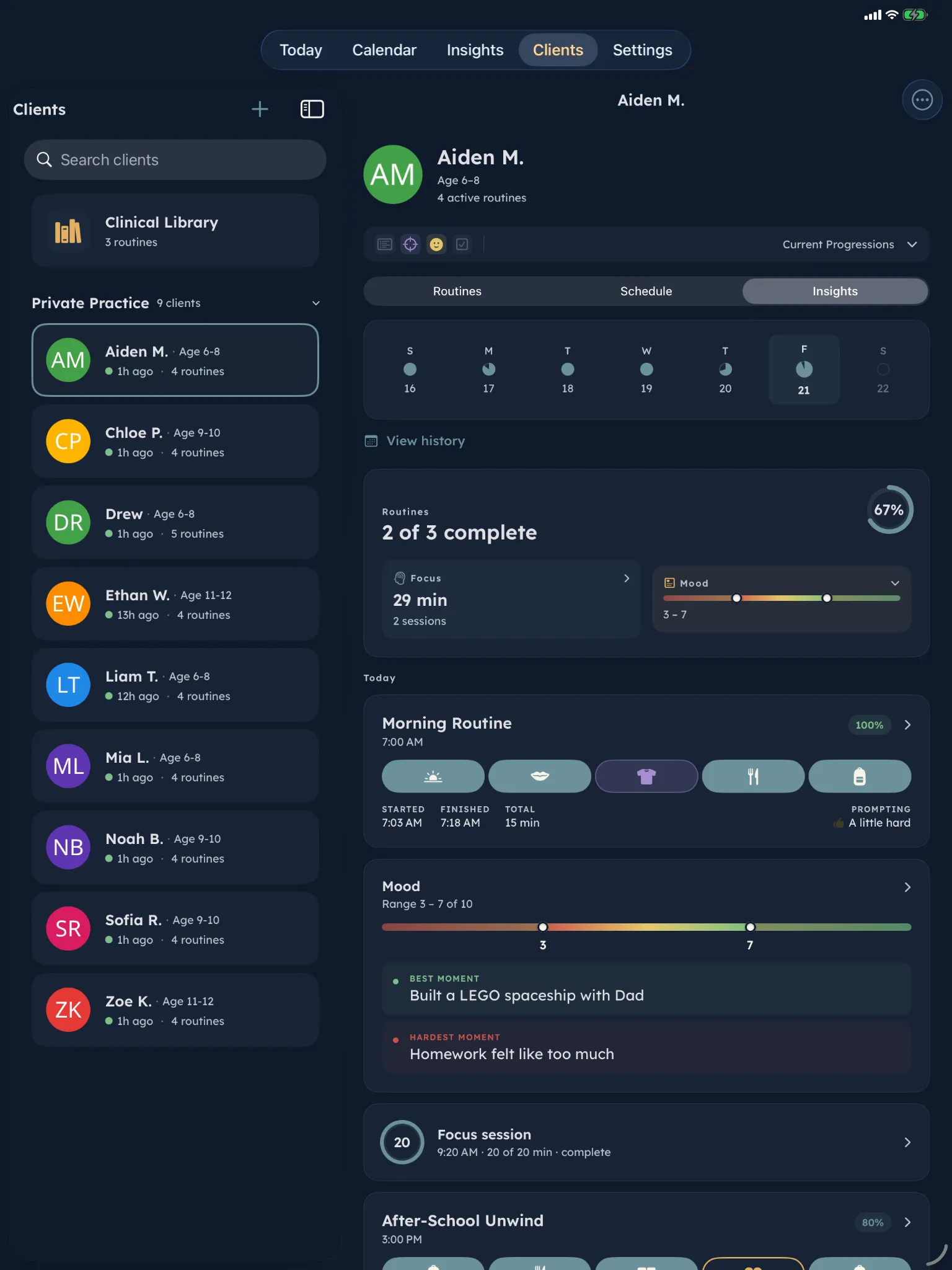
Sees permitted between-session patterns
Sends a structured suggestion instead of editing directly.
- Parent approves
Reviews the suggestion before anything changes
Accept, adjust, or leave it. The child's day only changes after that.
Educators work with classroom-scoped tools and do not receive clinician-level Insights access.
Each part does one job
Discover DaySteps. 5 modules. Together they hold the day. On their own, each does one thing well.
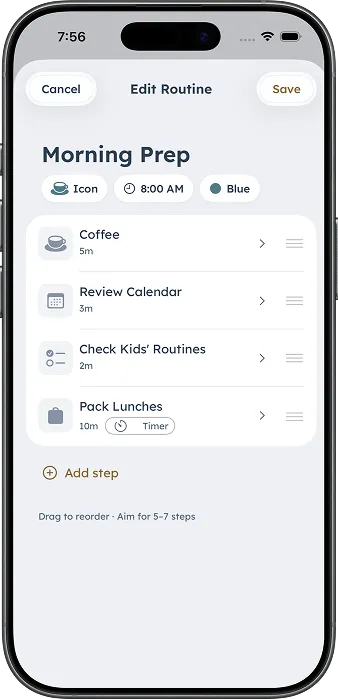
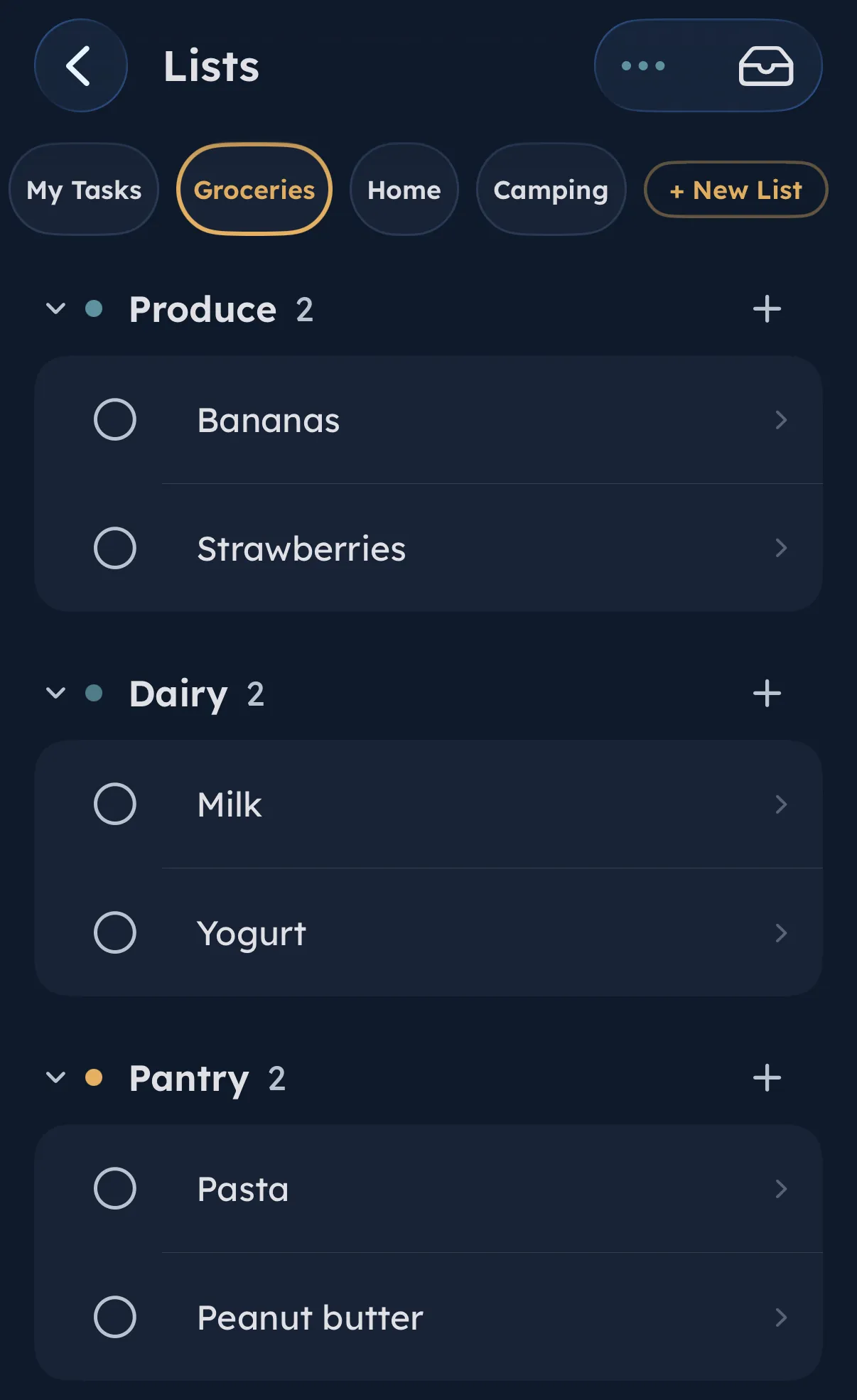


No points. No streaks.
Nothing to lose on a hard day.
DaySteps makes the next step clear without turning daily routines into a reward system.
Built for the people doing the support.
DaySteps adapts to the role — same system, different focus. Discover the use cases.
 Families One connected system for daily structure, executive function support, and shared visibility. DaySteps for Families
  Clinicians OTs, BCBAs, and therapists supporting clients between sessions. DaySteps for Clinicians
  Teachers Classroom routines and student support that travels home. DaySteps for Teachers
  Individuals Adults managing their own executive function. DaySteps for Individuals
 Stop being the system. Start using one.
Download DaySteps free on iPhone and iPad.
